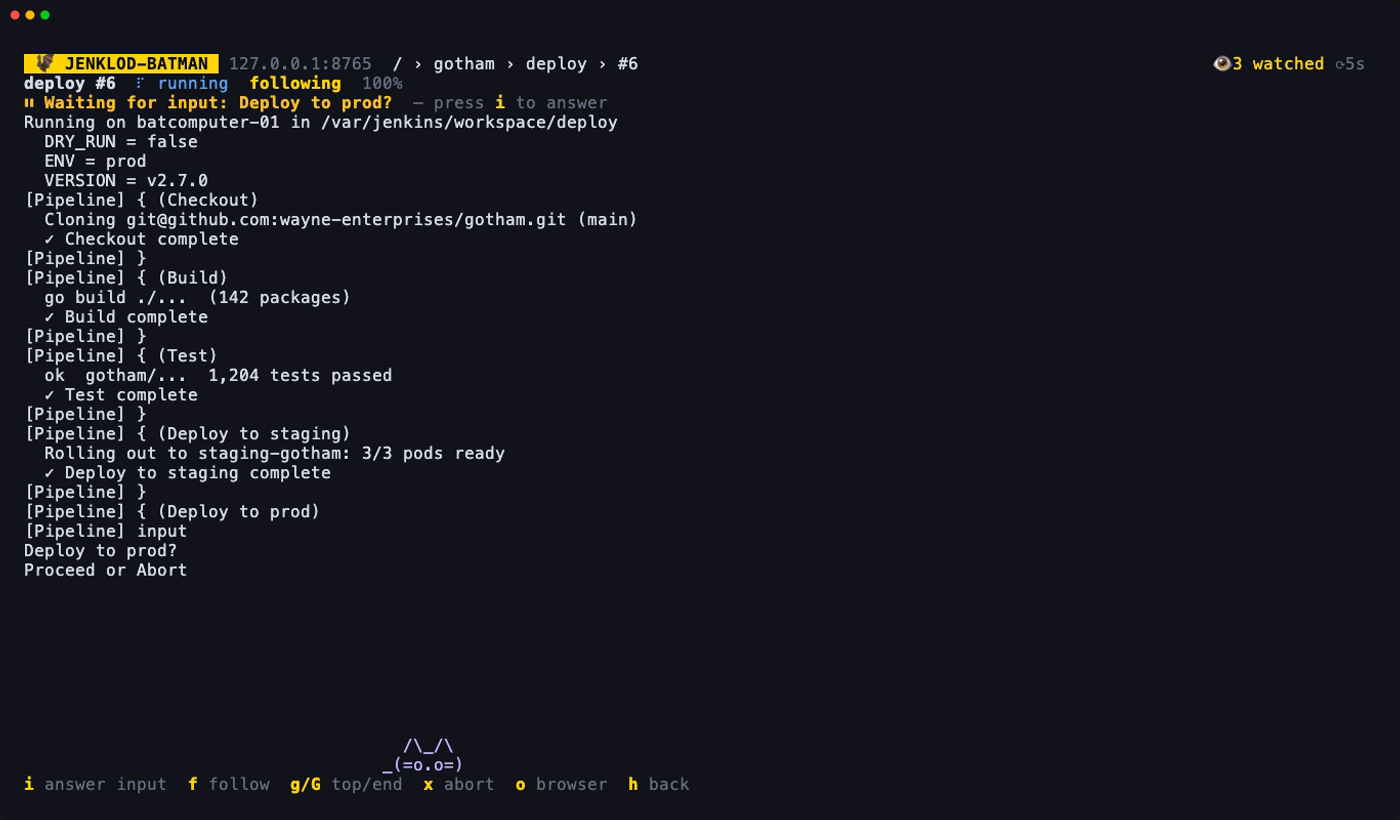
Browsing & builds
The root screen lists your watched jobs first, then the top-level folders and jobs. ▸ marks a folder. A coloured dot shows a job's last result, and a spinner means it's building.
| Key | Action |
|---|---|
| enter l → | Open a folder, then a job's builds, then a build's log |
| h ← esc | Back |
| j/k, g/G, ctrl+d/ctrl+u | Move |
| r | Refresh |
| o | Open in the browser |
Builds
A job's screen lists its last 30 builds with result, start time, duration and cause. A running build shows a progress bar against Jenkins' estimate, and the list refreshes while anything is running.
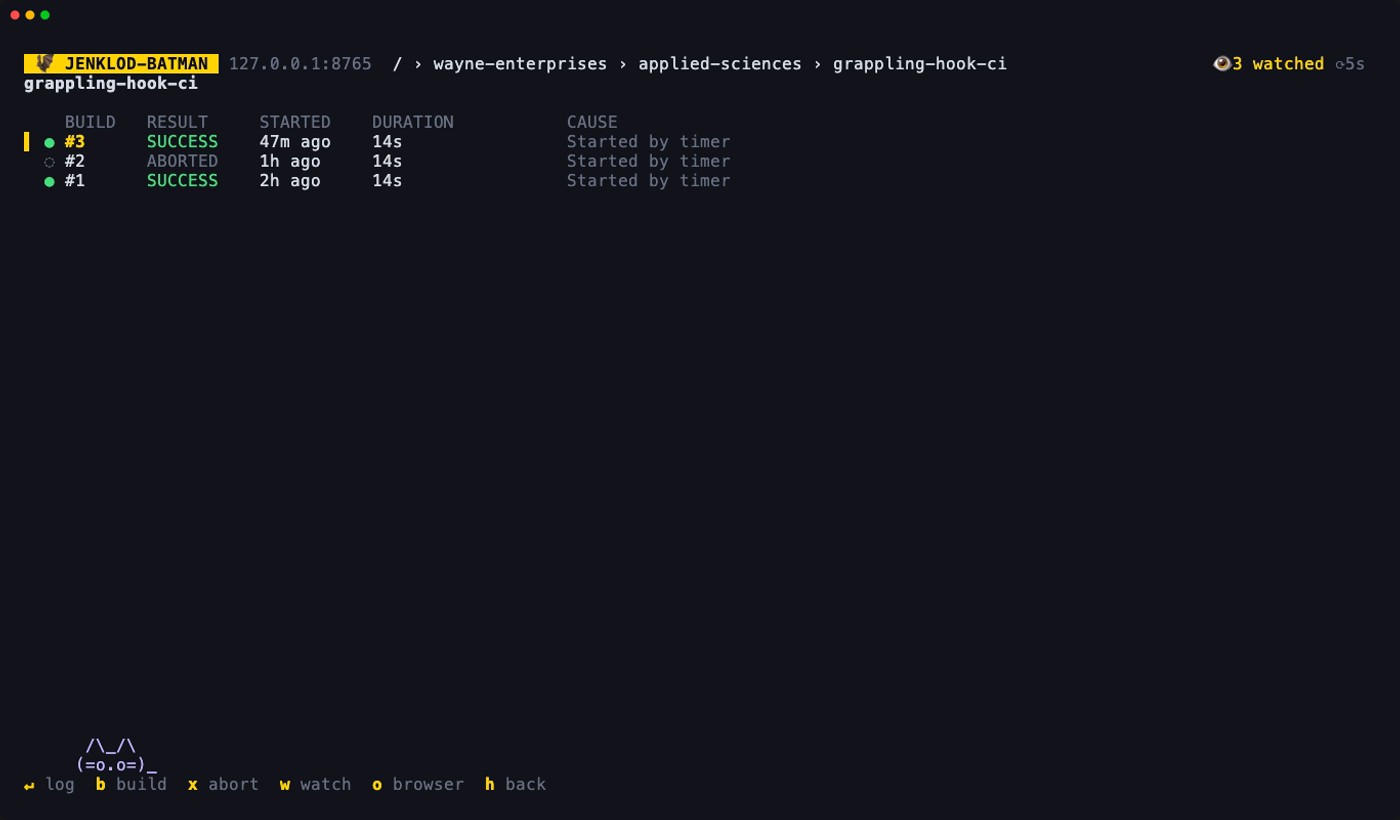
- b starts a build. It always asks y/n. For a job with parameters, the form opens first: tab moves between fields, ←/→ or space change choices and checkboxes, and enter builds.
- x aborts the selected build if it's running, after a y/n.
- enter opens the build's console log.
From the jobs list, you don't have to open a job first: b builds the selected job, L opens its last build's log, and x aborts its last build.
Logs
The log follows new output while the build runs (f toggles following). g/G jump to the top or bottom. Jenkins' hidden console annotations are stripped.